Compare the product surfaces
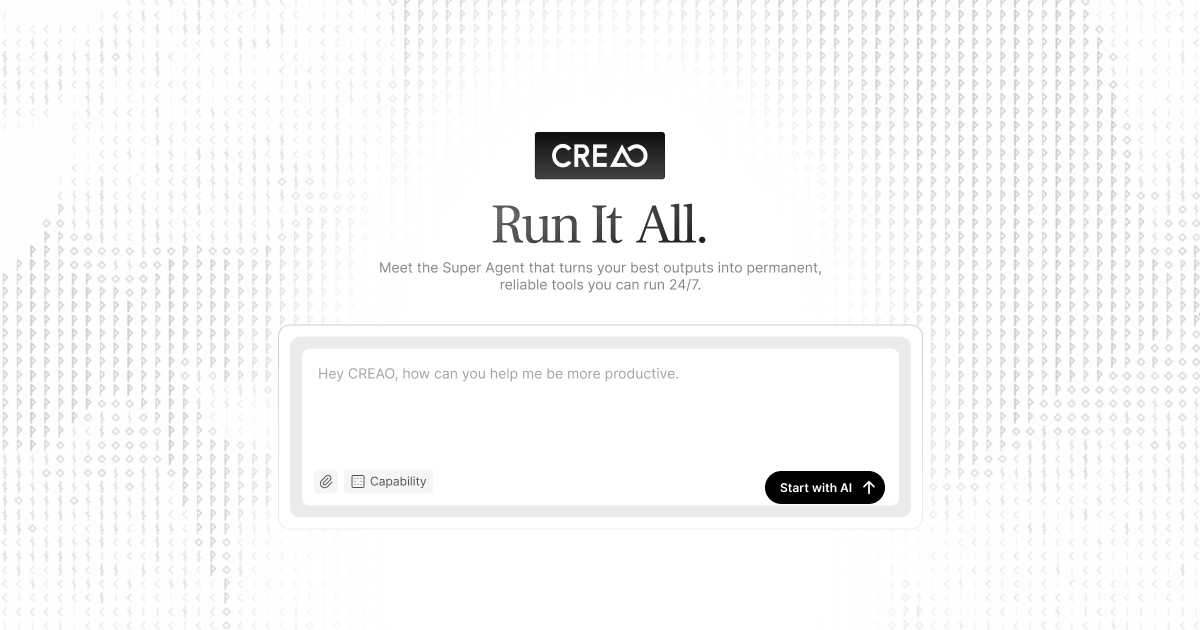
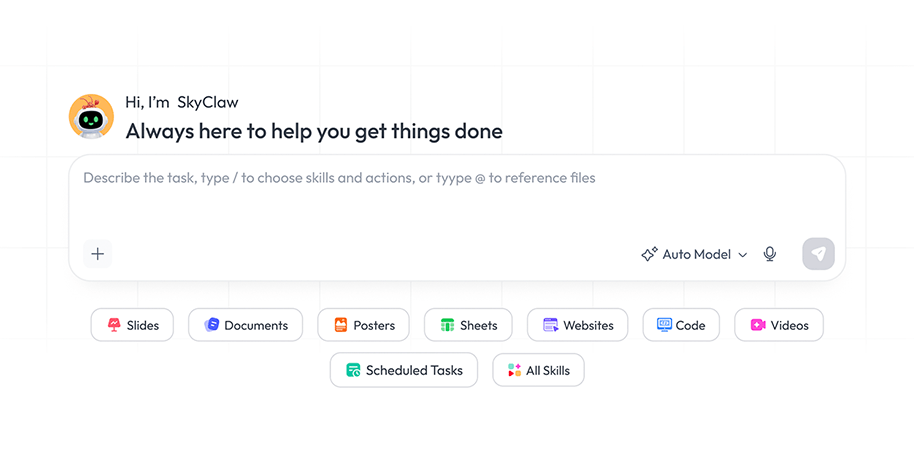
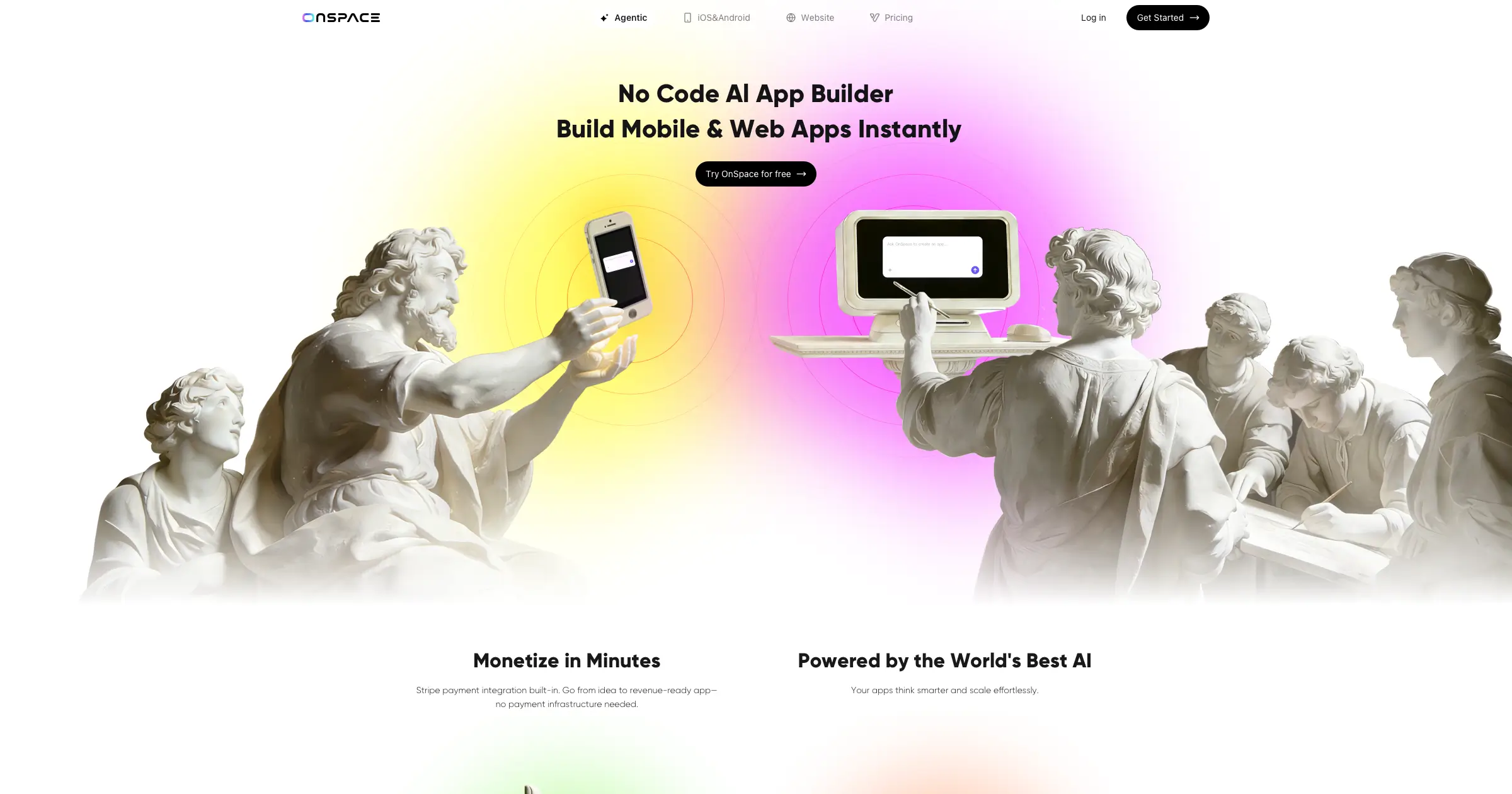
Images come from the providers' official websites. Interfaces and features may change.
These products use AI but do not begin with the same problem. Creao is positioned around agents that connect to business tools and run work repeatedly. Skywork presents a workspace for producing slides, documents, images, sheets, video, and developer outputs. OnSpace is a no-code builder for mobile and web applications with managed backend services.
So “Which one is best?” is the wrong first question. Ask whether you need to operate a process, produce a deliverable, or build a product.
Quick verdict
Choose Creao to run work
Use it when a recurring process moves through email, sheets, calendars, analytics, commerce, or connected tools and should run with triggers and approvals.
Choose Skywork to make work
Use it when the output is a researched document, slide deck, spreadsheet, image, video, web page, or developer artifact.
Choose OnSpace to build a product
Use it when the deliverable is a web or mobile app with interface, database, authentication, files, payments, and deployable code.
Side-by-side comparison
| Decision | Creao AI | Skywork AI | OnSpace AI |
|---|---|---|---|
| Primary outcome | An agent that performs connected work repeatedly. | A finished document, deck, sheet, image, or video. | A functioning web or mobile application. |
| Starting input | Process, trigger, schedule, accounts, and rules. | Prompt, topic, data, sources, or research request. | App idea, requirements, screenshot, or design. |
| Human control | Approval gates and selectable autonomy. | Fact-checking, editing, and source review. | Testing, security review, and release approval. |
| Business example | Draft quote replies from email and sheet data. | Create a proposal deck and supporting spreadsheet. | Build a portal, booking app, or internal tool. |
| Main risk | An over-permissioned agent takes a wrong action. | A polished output contains unsupported facts. | A fast prototype hides bugs or insecure rules. |
Creao AI: agents for connected work
Creao's official site describes agents that connect to business tools, run on schedules or triggers, retain context, and pause for approval. It currently shows Gmail, Outlook, Slack, Teams, Calendar, Notion, Asana, Google Sheets, Shopify, Google Ads, Analytics, Search Console, and other connections.
Begin with a narrow draft-only workflow: read a request, gather approved information, prepare a response, and wait for sign-off. Give the agent only necessary permissions and keep approval enabled until its behavior is dependable.
Skywork AI: a workspace for deliverables
Skywork's official site currently presents modes for slides, documents, images, sheets, an AI developer, and video. It may fit a connected knowledge-work package: research a market, draft a report, create a presentation, and organize supporting figures.
Evaluate whether sources are traceable, the reasoning survives review, spreadsheet logic is correct, presentation structure is clear, and exports remain usable. Check claims and formulas before client delivery.
OnSpace AI: no-code mobile and web apps
OnSpace presents a no-code builder for mobile and web apps. Its official site documents managed database, authentication, edge functions, secrets and logs; Stripe integration; mobile creation; and code access or export through GitHub or direct download.
Before publishing, test sign-in, permissions, database rules, payments, errors, mobile layouts, accessibility, backups, analytics, privacy disclosures, and deletion. Confirm code ownership, hosting choices, app-store steps, and maintenance.
A fair three-project test
- Creao: build a draft-only agent that reads a sample quote request, checks approved reference data, prepares a reply, and waits for approval.
- Skywork: make a short market brief, five-slide presentation, and supporting sheet from one approved source pack.
- OnSpace: build a request tracker with sign-in, one form, a database list, status changes, and mobile layout.
- Measure total effort: include setup, connection work, correction, approvals, testing, export, deployment, and training.
- Record failures: unsupported claims, broken steps, permission surprises, unusable exports, defects, and manual recovery.
| Criterion | Evidence |
|---|---|
| Task completion | Required outputs or steps completed correctly. |
| Review effort | Minutes, edits, approvals, and rework. |
| Reliability | Repeated runs, errors, and recovery. |
| Control | Permissions, approvals, versions, exports, and rollback. |
| Total value | Cost, time saved, quality, and maintenance. |
Permissions, data, and publishing risks
- Use non-sensitive test data until processing, security, retention, and terms are approved.
- Connect only accounts and scopes required for the task.
- Keep human approval before emails, payments, publishing, deletion, or live-system changes.
- Verify claims, citations, numbers, formulas, and client recommendations.
- Test app authentication, database access, payments, inputs, errors, and privacy flows.
- Confirm current pricing, credits, limits, integrations, ownership, exports, and cancellation terms.
Frequently asked questions
Are the platforms direct alternatives?
Not exactly. Creao focuses on agents and operations, Skywork on knowledge-work deliverables, and OnSpace on software products.
Which should a small business test first?
Choose one costly or repetitive problem. Test Creao for process automation, Skywork for reports and presentations, or OnSpace for a simple app. Expand only after measurable value.
Can these tools replace professional review?
No. Automation needs permission controls, research needs fact-checking, and applications need product, security, privacy, and release testing.
Can OnSpace code be exported?
As checked on October 3, 2026, its official site says projects can connect to GitHub and generated code can be downloaded. Verify current plan conditions before choosing external hosting.
Official pages checked
Creao AI; Skywork AI; OnSpace AI. Features and terms can change.